iOS

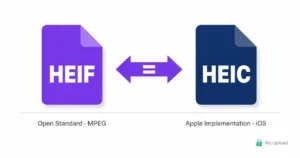
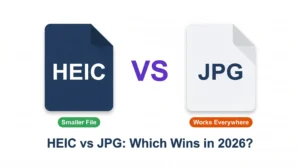
iOS uses HEIC format by default to save storage space on iPhones and iPads. While great for memory management, sending HEIC photos to non-Apple devices can sometimes create sharing friction.

Articles under the iOS section teach you how to customize camera settings, handle AirDrop exports, and fix photo transfer glitches. Learn when to use “Most Compatible” mode on your iPhone.

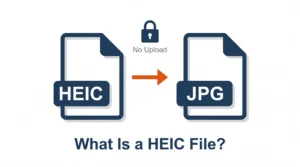
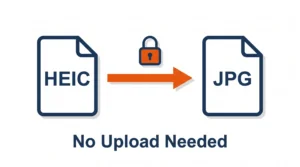
With HEIC.dev, you can convert iOS HEIC photos straight from Safari on your iPhone or iPad. No app downloads required, and your photos are processed privately on your device.