You can convert HEIC to JPG in seconds with the heic.dev HEIC to JPG Converter: select your photos, convert them in your browser, and download the JPGs. There is no app to install and no signup, and your photos are not uploaded to a server.
HEIC files look perfectly normal on your iPhone. Then you attach one to an email, drop it into a presentation, or try to upload it to a website, and it does not work. Sometimes it is a grey box. Sometimes the upload form rejects it. That is the whole problem with HEIC: it is a good format that plenty of software still does not read.
This guide covers the ways to convert HEIC to JPG on iPhone, Mac, Windows and Android, which one to pick, and what to check afterwards.
Key Takeaways
- Converting HEIC to JPG creates a new file. Your original HEIC stays where it was.
- The browser converter works on any device and handles photos you already have. The iPhone camera setting only changes photos you take from now on.
- heic.dev converts in your browser using WebAssembly, so your photos are not uploaded. The Methodology page explains how.
- JPG is an 8-bit format. Live Photo motion and HDR range are not kept, so keep the originals of photos you care about.
| Method | Converts photos you already have? | Needs an install? | Best for |
|---|---|---|---|
| heic.dev in your browser | Yes | No | Any device; single files or batches |
| iPhone camera setting | No, future photos only | No | Stopping new HEIC photos |
| Mac Preview export | Yes | No | A few files on a Mac |
| Windows HEIF and HEVC extensions | No, they only let Windows display HEIC | Yes (Microsoft Store) | Viewing HEIC files on a PC |
Table of Contents
What Is a HEIC File?
HEIC is the name for files in the HEIF (High Efficiency Image File Format) container whose images are compressed with the HEVC (H.265) codec. Apple made it the iPhone default in iOS 11, and Samsung’s “High efficiency pictures” option writes it too. For the longer explanation, see What Is a HEIC File? and HEIF vs HEIC.
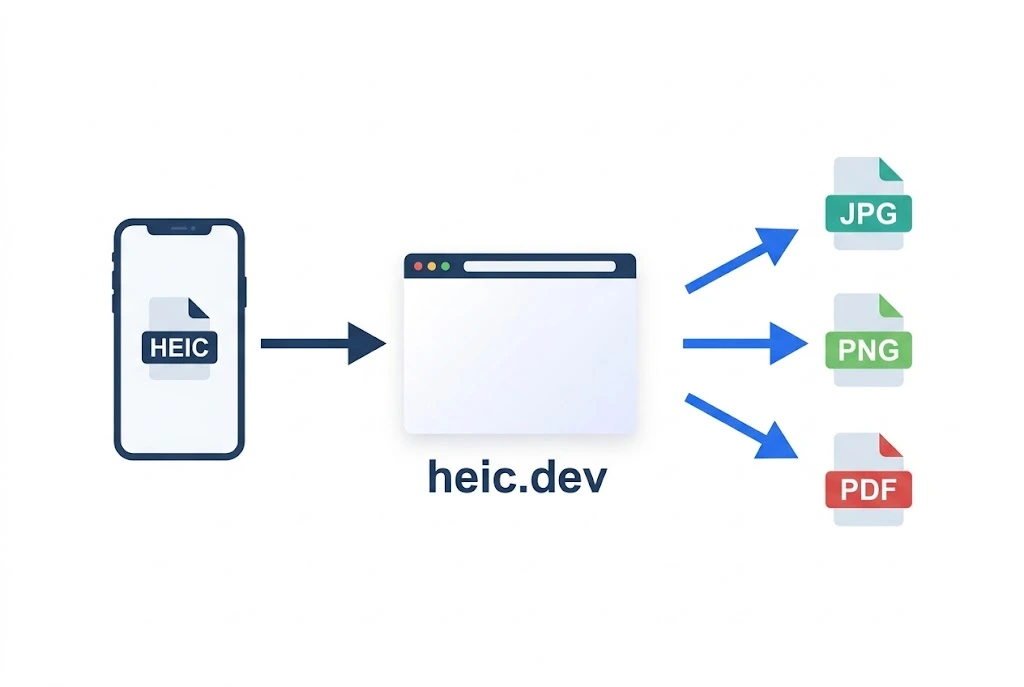
HEIC files are often quoted as 40 to 50% smaller than a JPG of similar quality, though the saving varies from photo to photo. The trade-off is compatibility. Older Windows setups, many web upload forms and some Android apps still cannot open HEIC.
Convert HEIC to JPG Online in Your Browser
This works the same way on a phone, a Chromebook, a Mac or a Windows PC.
Many online converters ask you to send your photo to their servers before handing back a result. The heic.dev HEIC to JPG Converter decodes and re-encodes the file on your own device using WebAssembly, so the photo itself is not uploaded. The site still uses cookies and ads like most websites; see the Methodology page for what runs in the page.
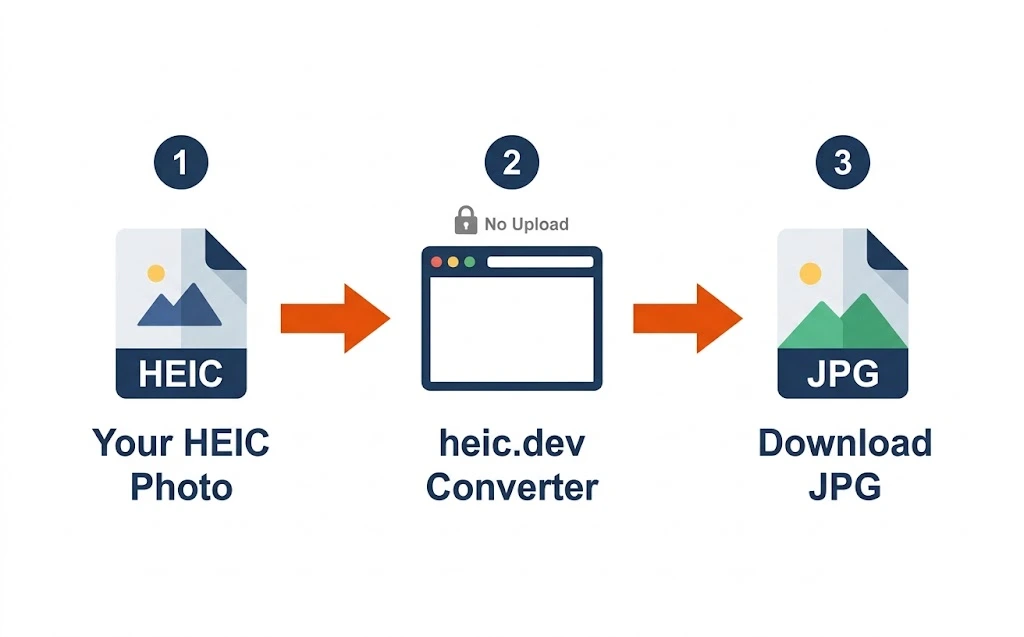
Steps to convert HEIC to JPG at heic.dev
- Open the HEIC to JPG Converter in any modern browser.
- Drag your HEIC files into the window, or tap to browse and select them.
- Check the quality setting (the default is 85%; higher gives sharper results and bigger files).
- Wait while the files convert on your device, then download the JPGs.
Before you delete any originals, open one converted JPG and check it. A JPG is a single 8-bit image, so Live Photo motion and HDR range are not kept. The Limitations page lists what is and is not carried over.
Other Ways to Convert HEIC to JPG
Your device may have a built-in option. These are slower for one-off files, and some only apply to photos you take later.
On iPhone
Go to Settings, Camera, Formats, and choose “Most Compatible” to save future photos as JPG. This only affects photos you take after the change. It does not convert anything already in your camera roll. See Apple’s camera formats page for the official description.
On Mac
Open the HEIC file in Preview (supported since macOS 10.13 High Sierra), then choose File, Export, and pick JPEG from the format menu before saving.
On Windows
Windows needs the free HEIF Image Extensions from the Microsoft Store to show HEIC thumbnails, and many PCs also need the HEVC Video Extensions to decode the images. These extensions let Windows display HEIC files; they do not convert them. To get JPGs on a PC, use the browser converter above.
On Android
Many Android phones save JPG by default. Samsung Galaxy phones can write HEIC when “High efficiency pictures” is turned on in the camera settings, and Android has opened HEIF images since Android 9. If a HEIC file from somewhere else will not open or will not go through an upload form, open the converter in Chrome, select the file and download the JPG.
Converting Batches of HEIC Photos to JPG
If you have just copied a camera roll off an iPhone, you probably do not want to convert hundreds of photos one at a time. You can select multiple HEIC files in the converter and convert them in one pass, up to 500 files per batch. Very large batches can be slow or fail on devices with little memory, so split them into smaller groups if that happens.
For a very large library, tens of thousands of photos, a desktop app built for bulk file management is the better tool. For the typical “I just imported 200 photos” job, the browser is faster than installing anything. There is also a dedicated guide to batch converting HEIC to JPG.
One more thing to check: what survives conversion, such as the capture date and GPS location, depends on the converter and on the output format. If dates or location matter to you, open a converted file in a metadata viewer before you delete the originals. heic.dev’s HEIC Metadata Viewer runs in your browser, and the Limitations page explains what each output format keeps.
Common Problems and How to Fix Them
The converted JPG looks blurry
This usually means the quality setting was too low. Convert again with a higher quality setting (the heic.dev default is 85%). Other tools sometimes compress further to save space.
The platform still rejects my file after converting
Some platforms reject files because of their size, not only their format. If a converted JPG still will not upload, check the platform’s stated file size limit, then convert again at a lower quality setting or run the file through the HEIC Compressor.
A HEIC file shows no thumbnail on Windows
Install the free HEIF Image Extensions from the Microsoft Store, and add the HEVC Video Extensions if the thumbnail is still grey. Without them, Windows cannot generate a preview or open the file.
The photo’s date and location are missing after conversion
What a converter keeps depends on the tool and the output format. Check the converted file in a metadata viewer, and read the Limitations page. Keep the original HEIC until you have confirmed the details you need are still there.
Frequently Asked Questions
Does converting HEIC to JPG lose quality?
Slightly. JPG is a lossy 8-bit format and HEIC files can carry more data, but at a high quality setting the difference is hard to see. For 10-bit or HDR photos, converting to JPG also discards the extra tonal range, so keep the original if you plan to edit or print.
Can I convert HEIC to JPG directly on my iPhone?
The Settings option (Camera, Formats, Most Compatible) only changes future photos. To convert photos already in your camera roll, open heic.dev’s HEIC to JPG Converter in Safari or Chrome on your iPhone, select the photos and download the JPGs.
Why does my iPhone save photos as HEIC instead of JPG?
Apple made HEIC the default format with iOS 11 because it gives similar visual quality at a smaller file size, which saves storage on your device and in iCloud.
Is there a free way to convert HEIC to JPG without uploading?
Yes. heic.dev’s converter runs in your browser using WebAssembly, so your photo is converted on your device and is not sent to a conversion server. It is free and needs no account.
Can I convert multiple HEIC files to JPG at once?
Yes. You can select several files and convert them together, up to 500 per batch. Very large batches may be slow on devices with little memory.
Will converting HEIC to JPG delete the original photo?
No. Converting creates a new JPG and leaves your HEIC file where it was, unless you delete it yourself.
Why won’t my HEIC photo open on my Windows computer?
Windows needs the free HEIF Image Extensions from the Microsoft Store, and many PCs also need the HEVC Video Extensions. Without them, HEIC files show a grey icon instead of a thumbnail.
Does converting HEIC to JPG keep the photo’s location and date?
It depends on the converter and the output format. Check a converted file in a metadata viewer before deleting the original, and see the Limitations page for what each format keeps.
What’s the difference between HEIC and JPG?
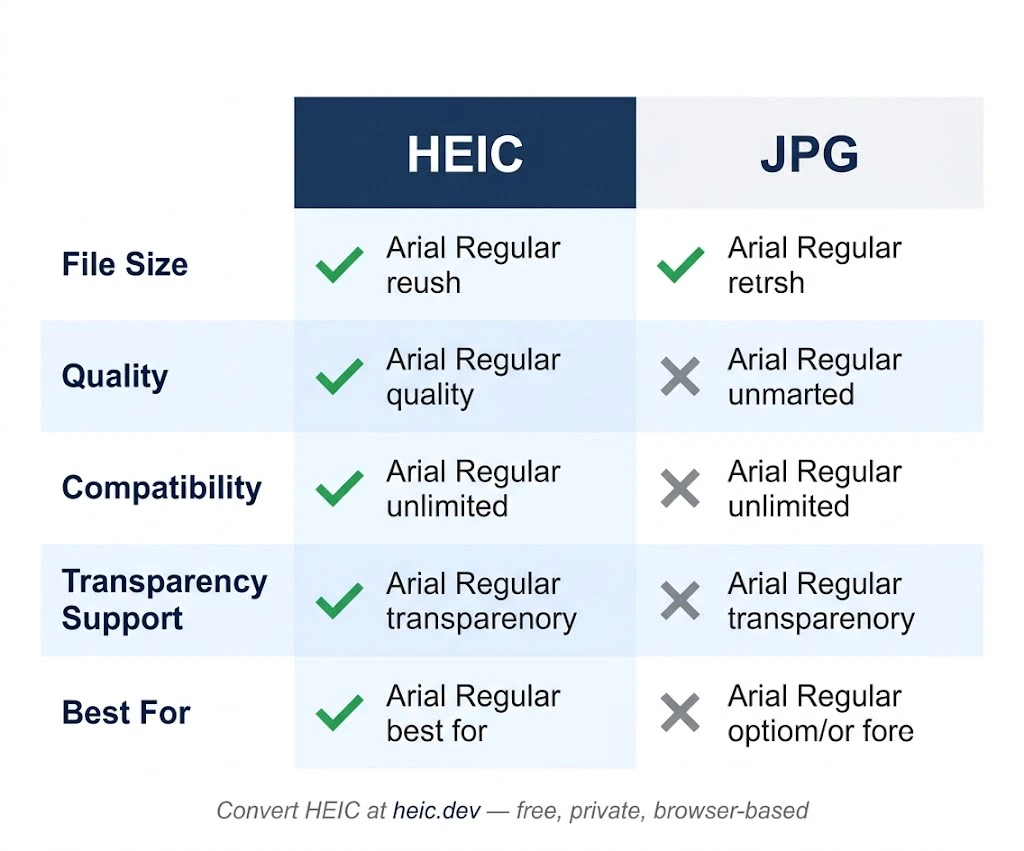
HEIC uses HEVC compression and is often quoted as 40 to 50% smaller than JPG at similar quality. The format can also store extras such as depth maps and transparency. JPG’s advantage is that almost every app, website and device can open it.
Can I convert HEIC to JPG on Android?
Yes. Open heic.dev in Chrome or another modern browser, select your HEIC file, and download the converted JPG. No app is needed.
Final Words
HEIC is not going away. The quality-to-size trade-off is strong, and Apple has good reason to keep using it. The problem has always been compatibility, and converting to JPG is the quick fix when a file will not open or upload.
The heic.dev HEIC to JPG Converter does that in your browser without uploading your photos. If you need PNG instead, use the HEIC to PNG Converter, and for a single document there is the HEIC to PDF Converter.